

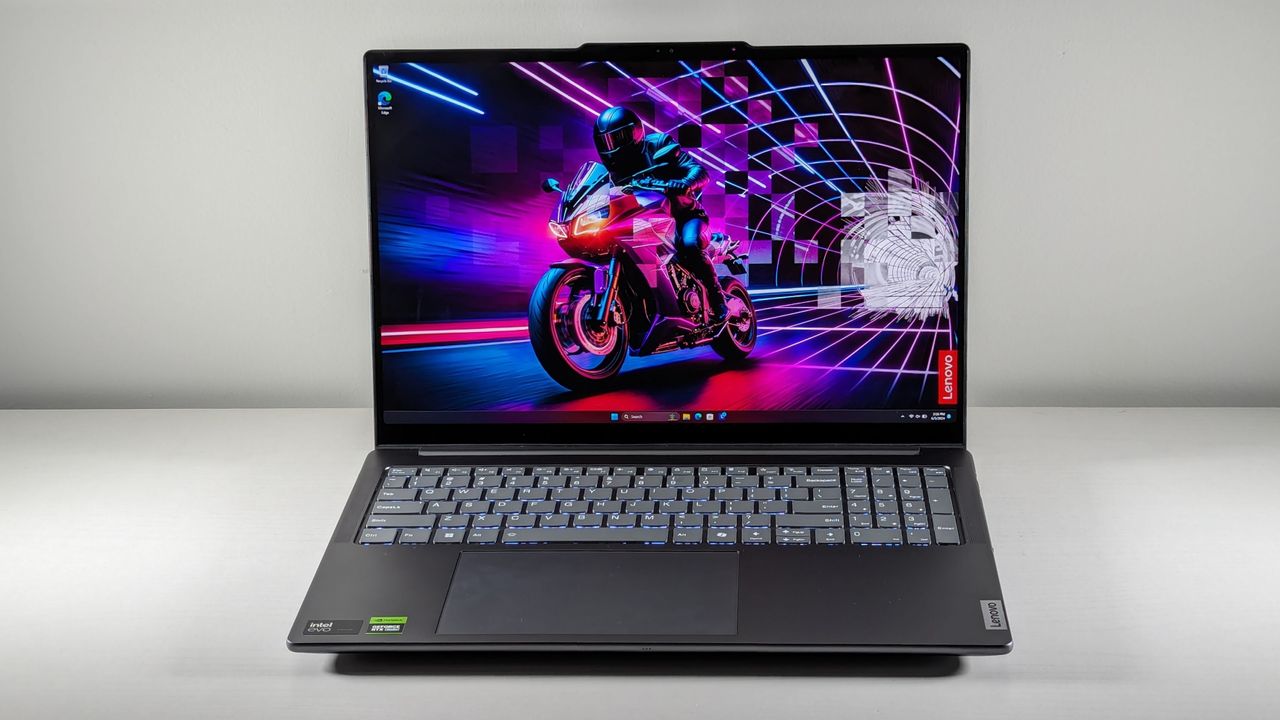
For creative professionals and enthusiasts alike, selecting the right laptop for Adobe Photoshop is paramount to a seamless and efficient workflow. As of 2025, Photoshop continues to be a demanding application, requiring robust hardware to handle complex image manipulation, high-resolution files, and advanced features. This article provides a technical breakdown of the essential laptop specifications and architectural considerations for optimal Photoshop performance, drawing insights from the latest industry recommendations.
Technical Breakdown
The efficacy of a laptop for Adobe Photoshop hinges on a synergistic combination of its core components. An authoritative, objective assessment reveals that specific hardware attributes are critical for managing the application's resource-intensive operations.
- Processor (CPU): A powerful multi-core processor is fundamental for smooth Photoshop performance, particularly for tasks involving filters, rendering, and handling multiple layers. For demanding professional workflows, an Intel Core i7 or i9, AMD Ryzen 7 or 9, or Apple M-series processor is generally recommended. For more casual use or lighter tasks, an Intel Core i5 or AMD Ryzen 5 equivalent can suffice. The CPU's clock speed and core count directly impact how quickly Photoshop can process calculations and maintain overall system responsiveness.
- Random Access Memory (RAM): Photoshop is a memory-intensive application, making ample RAM crucial for multitasking and working with large files. A minimum of 16GB of RAM is widely recommended for smooth performance, especially when managing multiple large files simultaneously. For professionals dealing with very large documents, numerous layers, or extensive batch editing, 32GB or even 64GB of RAM is ideal to prevent performance degradation and ensure quicker rendering times.
- Graphics Processing Unit (GPU): While Photoshop can operate with integrated graphics for basic tasks, a dedicated graphics card significantly accelerates GPU-intensive features, filters, and 3D operations. A dedicated GPU with at least 4GB of VRAM is recommended, particularly for users working with 4K displays or higher resolutions. Modern GPUs with DirectX 12 or Metal support are essential for compatibility and optimal performance.
- Storage: Fast storage is critical for rapid application loading, quick file access, and efficient scratch disk operations. Solid State Drives (SSDs), especially NVMe SSDs, are highly recommended over traditional Hard Disk Drives (HDDs) due to their superior speed. A minimum of 512GB SSD is advised to accommodate the operating system, Photoshop installation, and an extensive library of images, with 1TB or more being preferable for professionals.
- Display: For accurate photo editing, a high-quality display with excellent color accuracy is paramount. A minimum resolution of Full HD (1920x1080) is recommended, with 4K or higher resolutions preferred for finer detail. Displays covering a wide color gamut, such as 100% sRGB or DCI-P3, and offering high contrast ratios are crucial for true color representation. OLED or IPS panels are often highlighted for their superior visual accuracy and deeper blacks.
- Build Quality and Price-to-Performance: Laptops designed for creative professionals often feature robust build quality to withstand demanding use. While high-end workstation laptops offer peak performance, there are also more affordable options that effectively balance cost and capability for Photoshop users.
Core Functionality & Architecture
The architectural design of a laptop directly influences its ability to execute Photoshop tasks efficiently. The CPU acts as the primary computational engine, processing complex algorithms for image manipulation and filter application. RAM serves as the short-term memory, holding active project data, layers, and open applications, thereby enabling seamless multitasking and quick access to frequently used assets. The GPU, with its parallel processing capabilities, offloads graphical computations from the CPU, accelerating tasks like applying smart filters, rendering 3D elements, and enhancing overall visual responsiveness. Furthermore, the rapid data transfer rates of an SSD are vital for loading large image files, saving projects, and providing a responsive scratch disk, which Photoshop heavily utilizes for temporary storage during intensive operations. The interplay of these components, optimized by the operating system (Windows or macOS), forms the backbone of a high-performance Photoshop workstation.
Performance Analysis & Community Reception
Laptops equipped with the recommended specifications generally deliver a smooth and responsive experience in Photoshop, even when handling large, multi-layered files or applying complex effects. Optimization is evident in faster rendering times for filters, quicker loading of high-resolution images, and fluid navigation within the application. The community of Photoshop users consistently emphasizes the importance of these hardware considerations, noting that under-specced machines often lead to frustrating lag, slow processing, and potential crashes. Feedback frequently highlights that sufficient RAM and a fast SSD are particularly impactful for improving overall workflow efficiency and user satisfaction. While specific frame rates are less relevant for a static image editor like Photoshop, the responsiveness of the interface and the speed of applying edits are direct indicators of a laptop's performance. Maintaining updated drivers for both the operating system and the dedicated GPU is also crucial for ensuring stability and leveraging the latest performance enhancements from Adobe.
| Metric/Feature (Key) | Value/Description (Value) |
|---|---|
| Processor (CPU) | Multi-core Intel Core i7/i9, AMD Ryzen 7/9, or Apple M-series (recommended for professionals); Intel Core i5 or AMD Ryzen 5 (sufficient for basic tasks) |
| Random Access Memory (RAM) | 16GB minimum; 32GB or more recommended for complex projects and multitasking |
| Graphics Processing Unit (GPU) | Dedicated GPU with at least 4GB VRAM for 4K displays; integrated graphics for basic tasks |
| Storage | 512GB SSD minimum; 1TB NVMe SSD or more recommended for extensive libraries and scratch disks |
| Display Resolution | Full HD (1920x1080) minimum; 4K or higher recommended for detail |
| Display Color Accuracy | High color gamut coverage (100% sRGB, DCI-P3) and high contrast ratios; OLED or IPS panels preferred |
Expert Verdict
In conclusion, for a superior Adobe Photoshop experience in 2025, a laptop must be equipped with a powerful multi-core processor, ample RAM (preferably 32GB or more), a dedicated graphics card with sufficient VRAM, and a fast NVMe SSD for storage and scratch disk operations. The display quality, characterized by high resolution and accurate color reproduction, is equally critical for professional photo editing. While various laptop categories cater to different budgets and needs, prioritizing these core technical specifications will ensure a robust and efficient platform for all Photoshop-related tasks, allowing creative professionals to focus on their artistry without hardware limitations.